
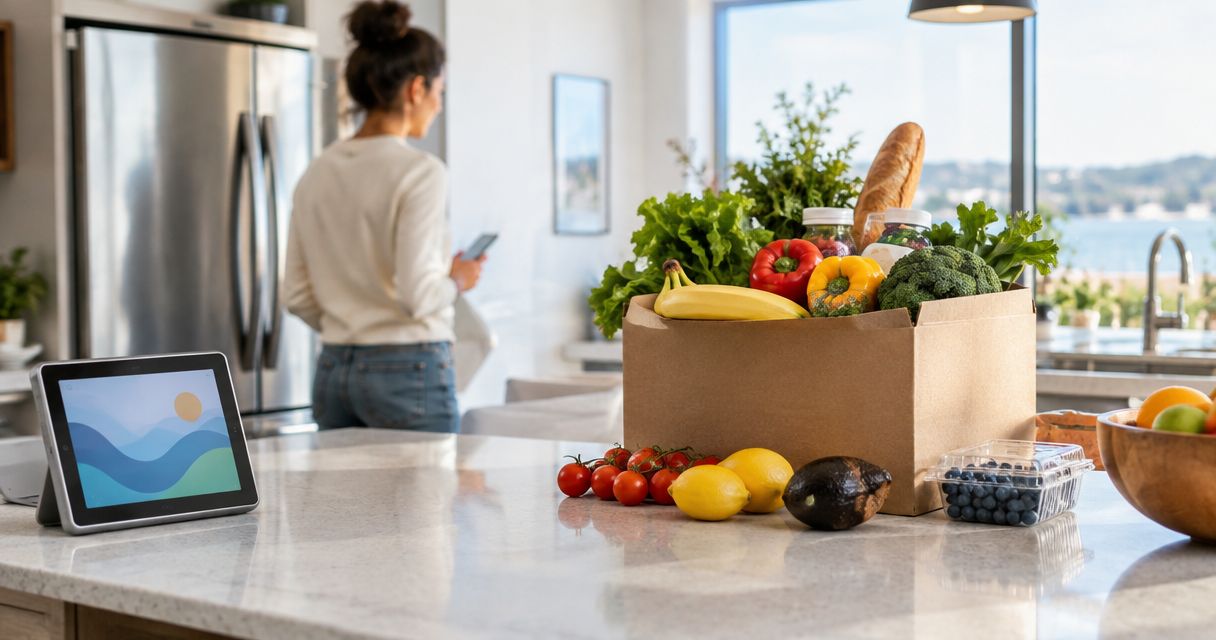
Instead of asking arriving guests to shop after a day of travel, build one grocery list, assign one person to receive the order, and confirm the delivery window against check-in. Grocery delivery for a vacation rental before arrival works only when the host approves the timing and someone is authorized to receive and store the food.
- For grocery delivery for a vacation rental before arrival, get host approval before scheduling access or drop-off.
- Lynxresort vacation homes suit groups of up to 16 planning their own groceries; pre-arrival stocking is not confirmed.
- Use one shared list and one designated recipient so the order has a clear owner.
- If early access is not approved, schedule delivery after check-in and have a guest receive it.
Why this matters
A grocery order is not the same as a stocked kitchen. Someone has to confirm the address, accept the delivery, check substitutions, put perishables away, and tell the rest of the group what arrived. If any of those jobs has no owner, the first meal becomes an arrival-day errand.
Lynxresort offers direct booking of 2 large private vacation homes, in West Palm Beach and Miami, each sleeping up to 16 guests. For a group that size, one person's breakfast request can disappear inside a long message thread. Use Lynxresort to check the home you are booking, then agree on a grocery plan with your group. Do not treat direct booking as permission for a driver to enter the property or leave food there before check-in.
This 2026 workflow separates the parts you control—the list, order, and recipient—from the parts that need confirmation: property access and the delivery window. It works whether you are planning a family reunion, a retreat, or a weekend celebration.
Before you start
- Your booking details: Have the confirmed property address, check-in time, and a way to contact the host. Copy the address from your booking details, not from a search result or a forwarded message.
- Your group decisions: Choose who collects requests, who places the order, and who receives it. Ask about allergies and dietary restrictions before anyone starts adding snacks. Keep medical needs and essential foods under the affected guest's direct control.
- Your access decision: Ask the host whether delivery before check-in is permitted, who can receive it, and whether groceries can be brought inside and refrigerated. A delivery slot does not grant property access. If any answer is unclear, plan for delivery after the group has checked in.
If you are planning in 2026, make that access decision before placing an order. A driver arriving at an empty house with chilled food is not a move-in-ready kitchen; it is an unresolved handoff.
Build one shared grocery list
- Create a single list. Give it clear columns labeled Item, Quantity, Meal, Requested by, and Substitution. These are labels for your own list, not settings you need to find in a delivery app. Ask guests to add requests there rather than sending separate messages to the organizer.
- Start with actual meals. Write down what the group intends to eat at the house, then add the ingredients for those meals. Separate shared ingredients from personal requests so one person's preference does not become a group-wide assumption.
- Mark non-negotiable items. Have guests identify allergies, dietary restrictions, and items that cannot be substituted. For everyone else, record an acceptable alternative or mark the item as skippable. The person placing the order should not have to guess while the shopper is at the store.
Expected result: One list shows what to buy, why it is on the list, and who can answer a substitution question. Before you order, read it once as a set of meals rather than as a collection of individual requests. If breakfast needs ingredients that nobody added, fix the list now.
Confirm the delivery handoff
- Choose the receipt plan. For delivery before arrival, ask the host for explicit approval of the delivery window, recipient, and food-storage arrangement. If the host has not approved all 3, choose delivery after check-in instead.
- Name one recipient. That person must be available to receive the order, check the bags, and put away perishables. Do not assign the job to everyone in the group; shared responsibility leaves the driver without a clear contact.
- Write delivery instructions from confirmed details only. Use the booked address and any access directions the host has approved. Do not give a driver a door code, parking instruction, or entry permission based on a guess.
Expected result: You can answer 3 questions in a single message: where the driver is going, who will meet them, and what happens to the groceries immediately afterward. If you cannot, the handoff is not ready.
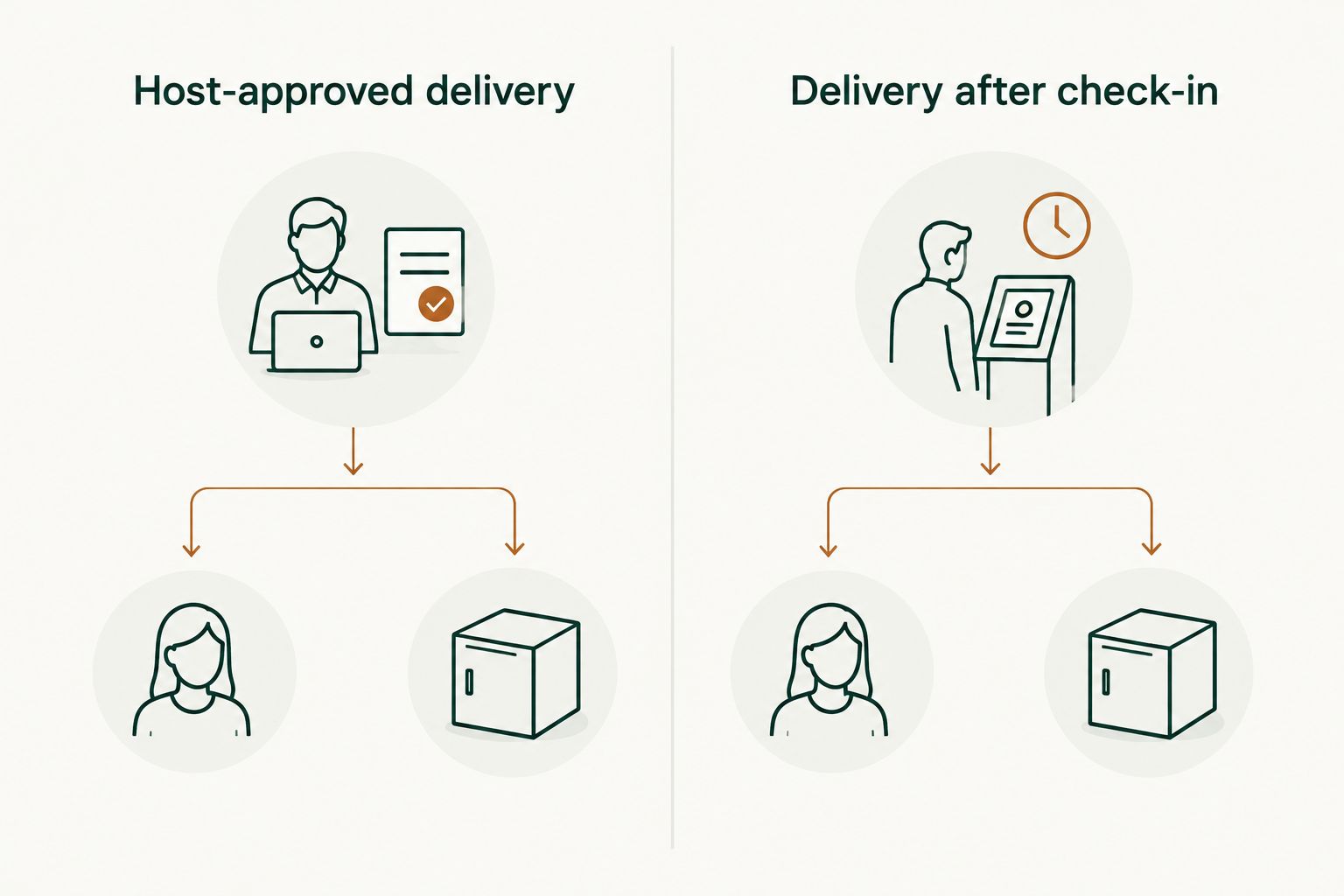
The choice between delivery windows is practical, not a contest over which one sounds easier. Both have a place; neither removes the need for a recipient.
| Delivery plan | Best for | Advantage | Limitation |
|---|---|---|---|
| Host-approved delivery before check-in | Groups whose host has confirmed access, receipt, and storage | Groceries can be put away before guests arrive | Depends on explicit host approval and someone authorized to handle the order |
| Delivery after check-in | Groups without confirmed early access | A checked-in guest can receive and inspect the order | The first meal must account for the delivery window |
Choose after-check-in delivery when early access is unconfirmed. For Lynxresort vacation homes, do not assume that a booking includes pre-arrival stocking, package acceptance, or driver entry. Confirm arrangements with the host for the specific stay.
Place the order around arrival
- Check the list against the first meal. If the group plans to eat soon after arrival, make sure every ingredient for that meal is in the order. Treat toiletries and later meals as separate checks so they do not hide a missing dinner ingredient.
- Select a delivery window the recipient can cover. For an after-check-in order, allow for the group to complete check-in before the driver arrives. For a host-approved pre-arrival order, use only the window and handoff arrangement the host confirmed. Do not schedule a window on the assumption that someone will already be inside.
- Enter the confirmed address and contact details. Check the property address against the booking before submitting the order. Use a phone number for the person who will respond to driver or shopper questions; make sure that person knows they have the job.
- Review substitutions before submitting. A shared list records the group's preferences, but the shopper sees the choices entered in the ordering service. Transfer each essential instruction rather than assuming the service can see your planning document.
Expected result: The order confirmation, delivery window, property address, and recipient all agree. Send the recipient the confirmation through your normal group channel, then stop making silent edits to the shared list. A late addition is a new request, not proof that it is in the submitted order.
There is no universal button sequence for this step. Ordering services use different screens, field names, and substitution controls. In 2026, read the final order review in the service you choose rather than relying on instructions written for a different app. The check that matters is what the submitted order says.
Receive, check, and put away groceries
- Have the recipient watch for updates. The person named in the plan should be reachable during the delivery window. If a shopper asks about an essential substitution, answer against the group's agreed list rather than improvising for a guest with a restriction.
- Check the delivered bags against the order. Confirm that the ingredients for the first meal arrived. Separate missing items from acceptable substitutions, and tell the group what needs a replacement plan.
- Store food promptly. Put chilled and frozen items in suitable storage as soon as the recipient has access. If delivery arrives before anyone can receive and store it, the workflow has failed even if the order status says delivered.
- Send one arrival update. Tell the group which shared meals are covered, what is missing, and which items belong to individual guests. This replaces a string of questions once people start unpacking.
Expected result: The person arriving later knows what food is actually in the home, not merely what appeared on the order confirmation. That distinction is the difference between groceries delivered and groceries ready to use.
Second variant: order after the first group checks in
Use this variant when the host has not approved a pre-arrival handoff, when nobody can receive food early, or when the group wants to confirm the kitchen before buying for the stay. It is still a 2026 arrival workflow; the delivery simply happens after access is established.
- Finish the shared list before travel and name the guest who will place the order.
- Have the first checked-in guest confirm the address and a place to receive the bags. Do not assume that checking in gives permission to redirect a delivery to a different location.
- Place the order for a window that the recipient can cover, then update the group if the first planned meal depends on that order.
Expected result: You avoid an unattended pre-arrival delivery. The trade-off is that you must plan what the group will do until groceries arrive. If the first meal cannot wait, carry those essentials with you or make a separate meal plan; do not build dinner around an unreceived order.
For a group of up to 16 guests, this variant also gives the first arrivals a chance to check what other guests brought. Cross items off the list before ordering, then share the final order with everyone. That prevents duplicate staples without requiring every traveler to coordinate at the door.
Plan your group stay
Explore the West Palm Beach and Miami homes, then confirm delivery access with the host.
Troubleshooting
- The delivery window starts before check-in. Do not send the order to the property without a host-approved handoff. Reschedule it for a window the recipient can cover after check-in, or get explicit approval before keeping the earlier slot.
- The driver cannot reach the recipient. Have the assigned recipient keep their phone available and follow the delivery service's updates. If the person changes, update the order contact details where the service permits and tell the replacement recipient what to expect.
- The shopper proposes an unsuitable substitution. Check the shared list's Substitution column. Decline an item that conflicts with a stated dietary restriction; arrange a separate replacement rather than telling the affected guest that the substitute is close enough.
- The order is marked delivered, but the group cannot find it. Check the delivery service's status and the agreed handoff location. Contact the service through its order support process. Do not assume the host has taken it inside.
- An ingredient for the first meal is missing. Tell the group immediately and revise that meal or obtain the missing item separately. The order confirmation describes what you requested, not what you can cook.
Customize your workflow
For a family stay, give each household a place on the shared list for essentials it will manage itself, then keep group meals in a separate section. That makes it clear who is responsible for a child's specific food without treating a shared order as a substitute for an allergy plan.
For a retreat, assign the meal planner and the delivery recipient before people begin adding items. Keep the meal schedule next to the list so the order supports the actual program. If a private chef is part of your plan, coordinate the ingredient responsibilities directly rather than assuming the chef will use a guest-placed order.
For a celebration, separate food needed on arrival from food needed later in the stay. The first set drives the delivery window; the rest can be adjusted after the group has checked in. In 2026, a short, owned list is more useful than a long list nobody has reviewed. One recipient and one confirmed handoff beat a perfect order sent to an empty house.
FAQ
Can I arrange grocery delivery for a vacation rental before arrival?
Yes, if the host approves the timing and there is an authorized person to receive and store the groceries. Without those arrangements, schedule delivery after check-in instead.
Will Lynxresort stock groceries before my group arrives?
Pre-arrival stocking is not confirmed in the provided booking information. Ask the host about access, receipt, and storage before arranging delivery to a Lynxresort vacation home.
Who should receive a grocery order for a large-group rental?
Assign one named recipient who can answer delivery questions, check the bags, and put away perishables. Share the order confirmation with that person before the delivery window begins.
What should I put on a group grocery list?
List planned meals, ingredients, quantities, dietary restrictions, and acceptable substitutions. Keep personal requests distinct from ingredients the whole group expects to share.
Is delivery before check-in better than delivery after check-in?
Delivery before check-in is suitable only with an approved handoff and storage plan. Delivery after check-in gives a guest direct control of receipt but requires a plan for food until the order arrives.
What if a grocery delivery arrives when nobody is at the rental?
Contact the delivery service and follow its order support process. Do not assume food left outside will be received, brought in, or stored by the host.
How do I handle grocery substitutions for guests with allergies?
Record restrictions before ordering and decline unsuitable substitutions. Have the affected guest confirm essential foods rather than relying on a shopper to interpret a group message.
One last thing
The final check is not whether the order was placed. It is whether the person handling the first meal can name the ingredients that arrived and find them in the kitchen. Make that check before the rest of the group settles in; it catches the gap between a delivery notification and a usable meal.